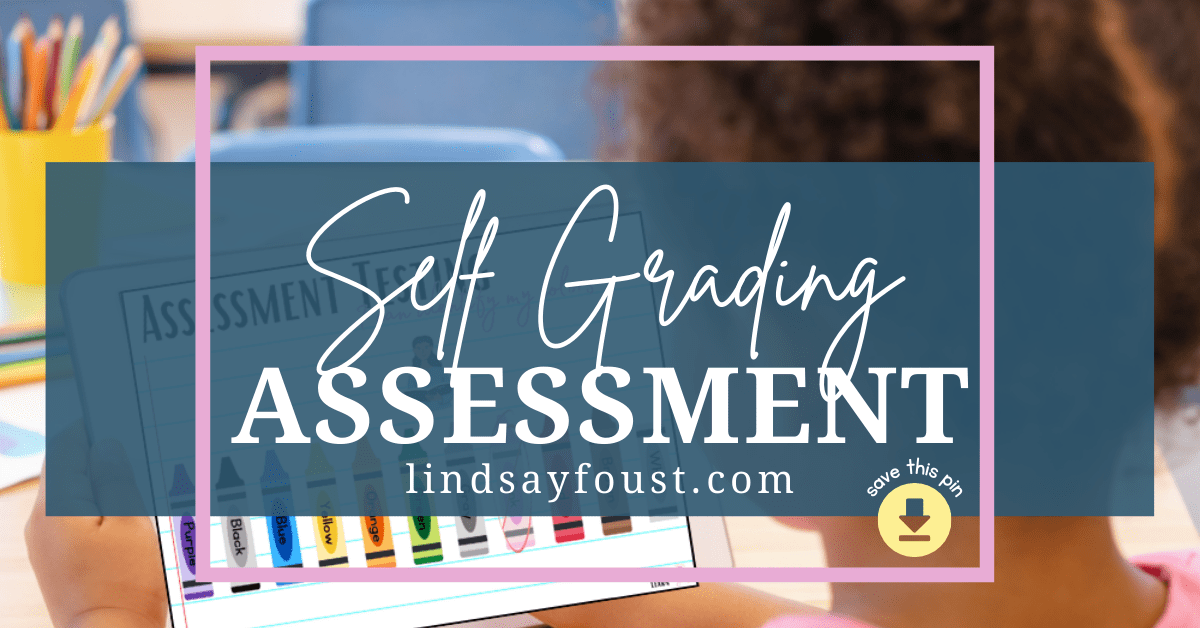
One of the challenges of teaching preschool is figuring out what children truly understand without turning learning into constant testing.
So much of early childhood education happens through play and observation. As teachers, we watch children build with blocks, listen to their conversations, and notice the small moments when something suddenly clicks.
But every once in a while, I want a quick way to check in on what a child knows without pulling out a clipboard or stopping the flow of the day.
Over the past few years, I’ve found that Boom Cards work really well for this.
A Simple Tool That Feels Like a Game
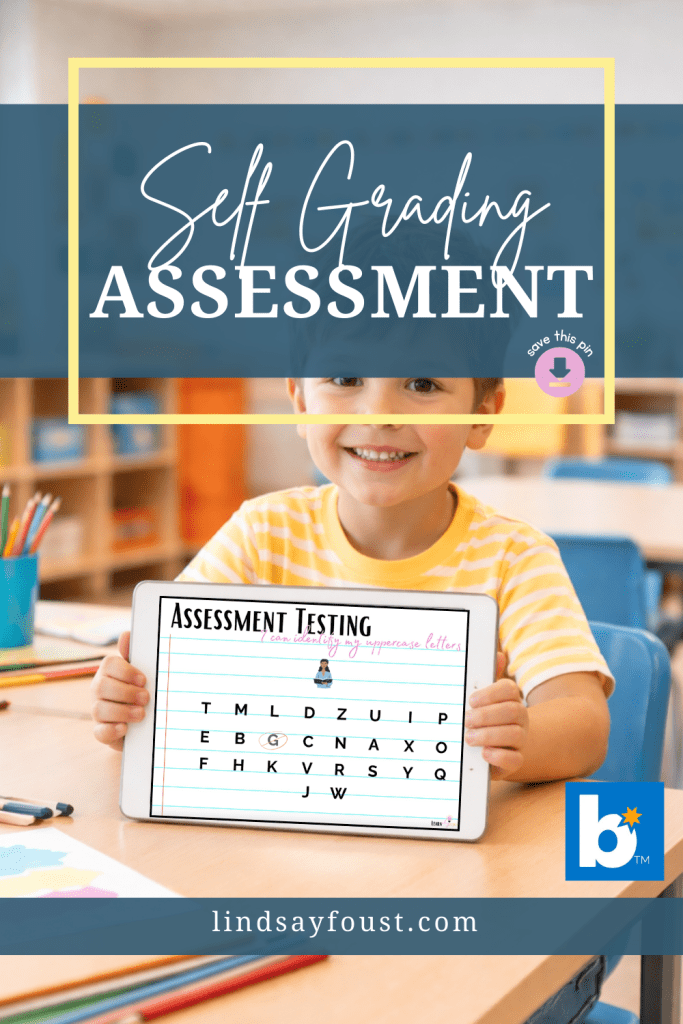
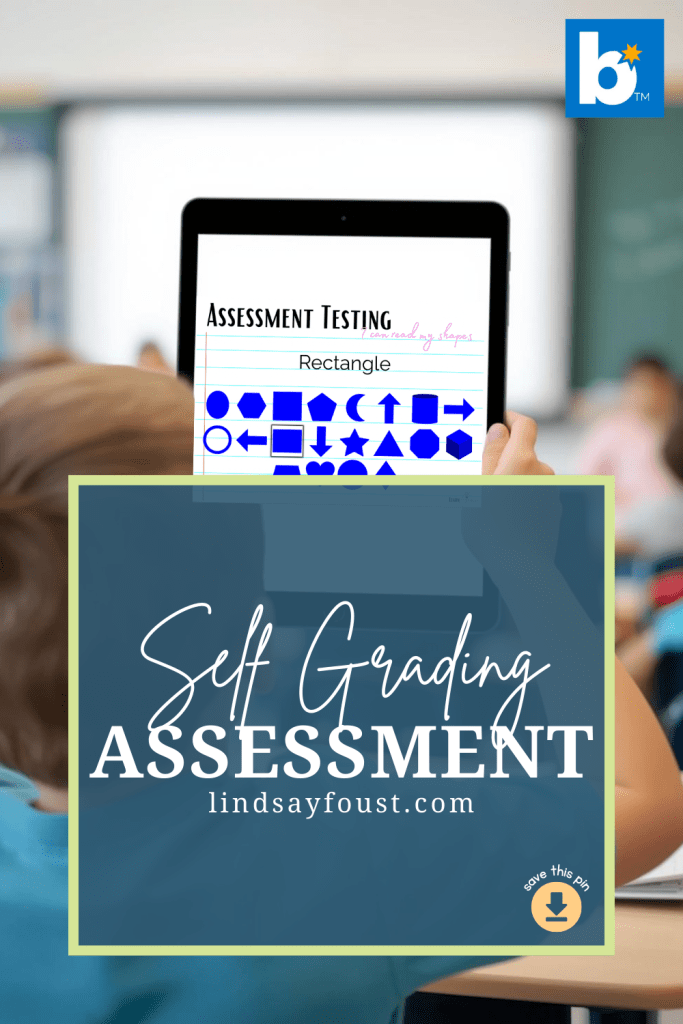
If you haven’t used Boom Cards before, they are interactive digital task cards that children complete on a tablet or computer.
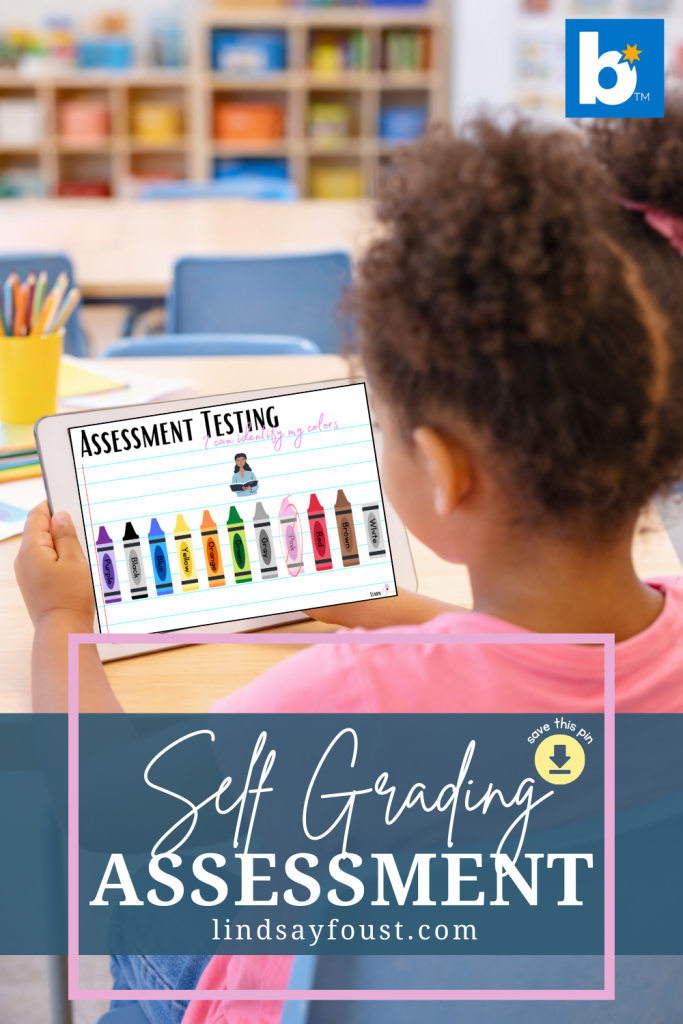
Instead of worksheets, students interact directly with the screen. They might tap an answer or move something into place.
For young children, the experience feels much more like playing a simple game than completing an activity. That alone makes participation much easier.
In my classroom, most children learn how to use them very quickly. After a little practice, they can usually work through a few cards independently.
How I Use Them During the School Day
I don’t build entire lessons around digital activities, but I do like to include them occasionally throughout the week.
Sometimes the iPad becomes part of a center rotation. One or two children might work through a short activity while the rest of the class is busy building, drawing, or playing.
Other times I’ll sit next to a child and let them complete a few cards while I watch.
These little moments give me a quick sense of what feels easy for them and where they might still be unsure.
Because the format is so relaxed, children rarely feel like they are being tested. Most of them are simply excited to use the iPad.
Why I Like Using Them This Way
What I appreciate most about digital task cards is how easily they fit into the natural rhythm of the classroom.
Instead of setting aside a long time for assessments, I can check in on a concept during normal classroom activities.
It might only take a minute or two, but those small snapshots of learning can be really helpful when planning future lessons.
Sometimes a child surprises me by showing they understand something I hadn’t noticed before. Other times it helps me realize a skill might need a little more practice.
Either way, the information is useful.
Here are some very beginner friendly ways to practice letters, numbers, shapes and colors —> Back to Basics Bundle
If you are just looking for more letter practice, this bundle gives you and abundance of worksheets to choose from —> Letter Of The Week Workbooks
Creating a Few Simple Decks for My Classroom
After using these activities regularly, I eventually started creating a few of my own decks designed specifically for the way I like to use them in the classroom.
My goal was to keep everything very simple so children could focus on the task without needing a lot of explanation.
I tend to prefer clean visuals and straightforward directions, especially for younger learners.
If you’re curious about the types of activities I use with my students, you can browse them here.
A Helpful Addition to the Classroom
Technology will never replace hands-on learning in early childhood classrooms, and I wouldn’t want it to.
But when used intentionally, a small digital tool can make certain parts of teaching a little easier.
For me, Boom Cards have become one of those tools.
They’re quick, engaging for children, and easy to slip into the day when I want a small window into what my students are learning.
And sometimes those small moments tell us a lot.
Check them out here.
Frequently Asked Questions About Boom Cards
Are Boom Cards appropriate for preschool?
Yes, as long as the activities are simple and visually clear. Many preschoolers can use Boom Cards independently after a short introduction. Activities that involve tapping or dragging answers tend to work best for younger learners.
Do you need an iPad to use Boom Cards?
No. Boom Cards can be used on tablets, laptops, desktop computers, or interactive whiteboards. In my classroom I usually use an iPad because it’s easy for young children to navigate.
Can Boom Cards be used for centers?
Yes. Many teachers use them as part of a center rotation. Because the cards guide the activity, students can often work through them independently while the teacher works with small groups.
Are Boom Cards good for assessments?
They can be a helpful way to check in on student understanding. Because the activities feel interactive, many children approach them more comfortably than traditional assessments.
Up Next
Need letter of the week ideas? Check out these blogs:
 learnplayrepeat
One thought on “How I Use Boom Cards for Assessment in My Preschool Classroom”